
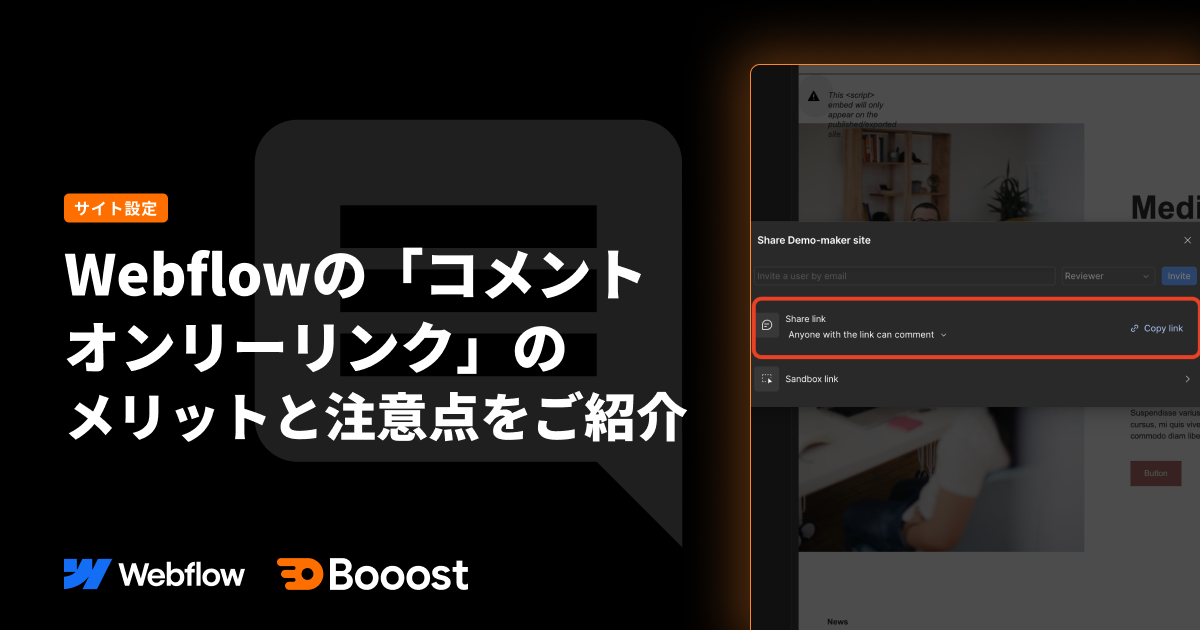
Introducing the advantages and considerations of Webflow's "Comment-Only Links."

What are Comment-Only Links?
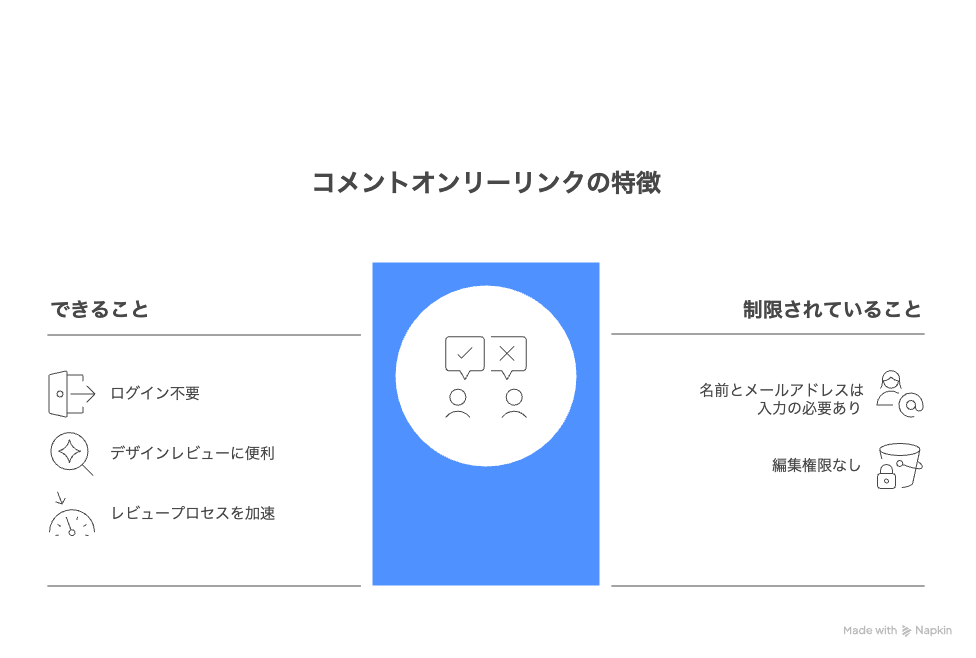
This feature allows you to generate a special link from the Webflow Designer that enables viewing and commenting only.
- Commenting is possible without logging into an account (just enter your name and email address).
- Can be shared with users who only have commenting privileges, not editing rights.
- Convenient for design reviews and approval requests.
- Accelerate your team's review process.
How to Use: Link Generation Steps.
The steps are as follows:
How to Use 1. Click the Share button.
Click the "Share" button in the top right corner.
How to Use 2. Copy the Comment-Only Link.
In the share settings, select "Anyone with the link can comment" and then copy the link.
How to Use 3. Simply share with your team members.
Once you share the copied URL, the recipient can access the site via that link and will only be able to leave comments.
When you actually access the link.
Anyone who opens the shared link will experience the following:
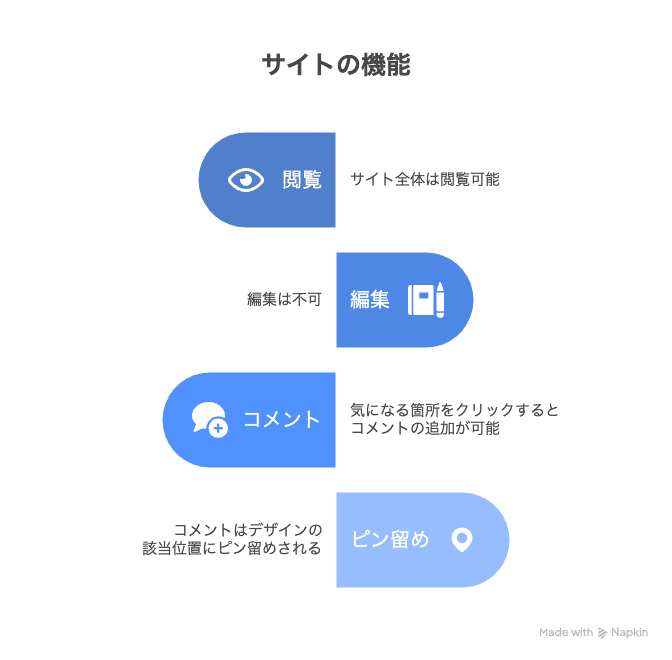
- The entire site is viewable.
- Editing is not possible.
- Click on any area of interest to add a comment.
- Comments are pinned to the relevant location in the design.
How comments appear.
Here's how to use the commenting feature:
Switch to mobile view and add comments.
You can click the mobile screen mode in the top right to add comments.
When you add comments in mobile screen mode, a mobile icon will appear in the comment section and pop-up on the right sidebar, making it immediately clear to editors.
Reply threads are also possible.
Editors who receive comments can also reply to them.
Excellent Comment Metadata.
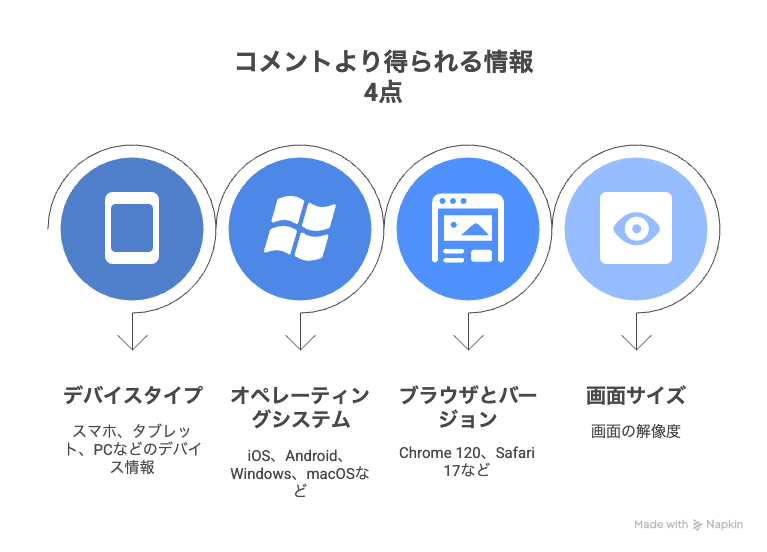
Parent comments automatically include the following important contextual information:
- Device information (smartphone/tablet/PC).
- Operating system (e.g., iOS, Android, Windows, macOS).
- Browser and version (e.g., Chrome 120, Safari 17).
- Screen size (resolution).
Actual screen.
This allows you to efficiently address feedback without additional questions or follow-ups. For example, with just the information "it's broken when viewed on mobile Safari," developers can quickly identify the environment and take action.
Advantages and Considerations.
Advantages.
Using Webflow's comment-only links offers the following advantages:
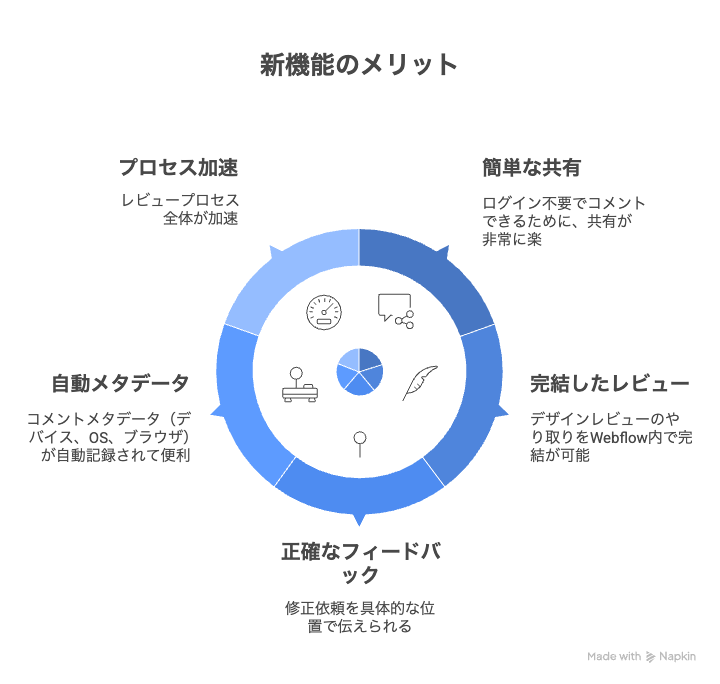
- Sharing is extremely easy as no login is required to comment.
- Design review communication can be completed entirely within Webflow.
- Revision requests can be communicated at specific locations.
- Comment metadata (device, OS, browser) is automatically recorded, which is convenient.
- The entire review process is accelerated.
Considerations.
Here are some key points to consider when using it.
Regarding Name and Email Address Entry.
When using a comment-only link, you can generally participate by simply entering your name and email address.
However, if you already have a Webflow account associated with the email address you entered, you may be prompted to sign in.
Therefore, please note the following:
- If it's a new email address, you can comment immediately after entering it.
- If the email address is already registered, you will need to sign in to your account before commenting.
While the operation is simple, it's good to remember that the steps might vary slightly depending on whether you have an existing account.
Summary.
By utilizing the combination of Webflow's "Comment-Only Links" and "Comment Metadata," you can streamline feedback and revision requests within your team.
Work efficiency is particularly improved in the following areas:
Secure sharing without editing permissions.
Collect only necessary feedback while avoiding the risk of accidental design edits.
Commenting possible without an account.
No hassle with logins or permission settings, allowing you to start reviews immediately.
Quick responses.
Reply threads are attached to comments, enabling smooth, real-time communication for questions and clarifications.
To make your team's feedback process smoother, be sure to utilize comment-only links.
Booost is a web development service specializing in the no-code tool "Webflow."
We maximize your website's customer acquisition power through three optimizations: design, marketing, and translation.

