
Webflow Multilingual Site Pitfall: Relative Links Must Be "Page-Specified"

When managing a multilingual site on Webflow, you might encounter an issue where "links lead to unexpected pages" even before dealing with text or image translations. Specifically, clicking an internal link from a non-English locale (e.g., French) might inexplicably redirect you back to the English version. This is a subtly serious bug that can instantly ruin the user experience.
The cause isn't complex code, but rather an incorrect "link type" setting. For Webflow's multilingual implementation, internal links must always be linked by selecting a "Page," not by hardcoding relative URLs as strings.
This article will cover the background, countermeasures, and practical checking methods.
- Conclusion: For Webflow Localization, always specify the link type as "Page" instead of "hardcoding URLs." Failure to do so can result in users being redirected to a different locale, such as the English version, when switching languages or navigating.
- Reason: Webflow's automatic locale routing only applies to "page-specified links." Relative paths written as strings will not have the locale automatically appended.
- Solution: Standardize all internal links, including navigation, buttons, and in-text links, to "page-specified" links. Avoid hardcoding URLs in the CMS as much as possible.
Why it happens
Webflow's Localization publishes pages under subdirectories like /en or /fr for each language, and internally associates different language versions of the same page on a page-by-page basis.
This "page-level association" is precisely what allows users to smoothly navigate to the same contextual page when switching languages. However, if a link is set by hardcoding a URL string, Webflow cannot determine "which page's other language version" it refers to and interprets it as a mere string. As a result, even if you've prepared separate pages for each language, that specific link will lead to a locale outside of the intended context.
- Conditions for automatic routing to work: The link setting must be "Page" or "Collection page."
- Cases where it doesn't work: When the link type is set to "URL" and
aboutor/aboutrelative paths like these are hardcoded. When clicked, it navigates directly to the written path without considering the locale.
As a result, for example, even a link on a French site that is hardcoded as /about will lead to the English version's /about causing a language reversion.
In practice, it's common to "just put in the URL for now" when adding or replacing pages. Even if not noticed initially, this can lead to accumulated inconsistencies in cross-locale navigation, causing users to abandon the site before conversion.
Learning from a small example
On a certain website, the locale switcher for language selection was working correctly, but clicking a button in the main content would revert to the English version. Upon investigation, it was found that the button was set to the URL type with /about hardcoded, meaning Webflow's automatic routing was not enabled.
After reconfiguring the same button to "Page: About," it automatically navigated to /fr/aboutin French, and to /en/about in English. Since Webflow manages the association between pages, there was no need to manage URL strings on the content side.
This improvement eliminated the "feeling of being reverted" and made the experience seamless across all languages. Furthermore, the operations team no longer needed to manually write URLs for future updates, reducing the risk of human error.
Common Misconceptions
- "Relative paths will adjust to the locale": No. Relative URLs as strings are interpreted literally, and automatic locale switching does not occur.
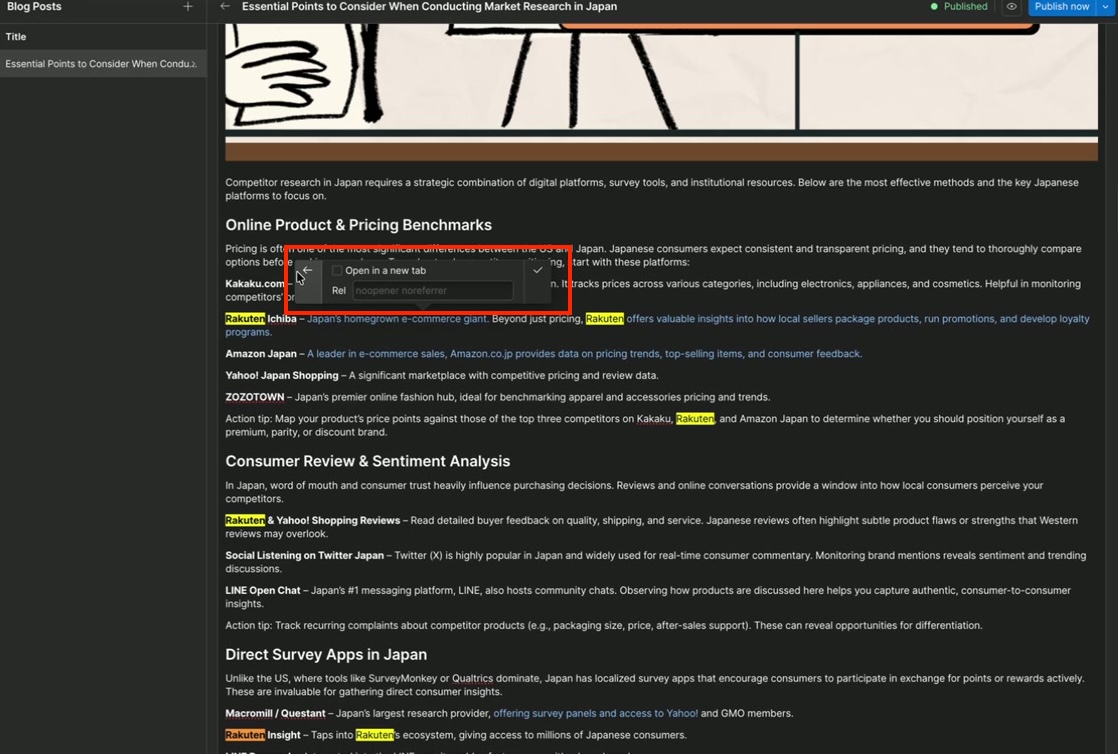
"Adding an <a>with anidwill fix it": Irrelevant.The presence or absence of an `id`does not affect locale routing. The crucial factor is the link type specification.
Relative paths are merely "simplified notations that are easy for humans to understand." Webflow's multilingual routing operates based on "association information between identical pages," not URL strings. That's why selecting "Page" as the link type is the fundamental solution.
Best Practices in Operation
- Standardize all internal links to "page-specified"
- This includes internal links in navigation, buttons, cards, footers, and article bodies.
- When linking from a collection list to individual detail pages, choose "Collection page."
- Avoid hardcoding links in CMS content as much as possible.
- If possible, use link fields or collection references to minimize URL string management.
- Consistent slugs are "nice to have" but not essential.
- Even if slugs differ across locales, Webflow will resolve them to the correct page if the link is page-specified.
- Inspection when adding/editing new pages
- Regularly check to ensure that links haven't been mistakenly set to "URL" type.
As a governance measure, including a checklist item during reviews to verify "link type is not URL" can nip potential problems in the bud. Starting with common components (header, footer) will significantly boost the overall stability of the site.
Correct Setup Procedure (Webflow Designer)
- Select the link element.
- Open link settings in the right-hand settings panel.
- Switch the link type from URL to Page (or Collection page).
- Select the corresponding page and save.
- If necessary, confirm that the same link element is set to "Page" in other locales.
The key is that by simply specifying "Page," you no longer need to worry about path differences across locales. Even if slugs vary in different languages, Webflow will correctly resolve them behind the scenes.
Operational Checklist
- Are there any hardcoded URLs in internal links?
- Are common links in navigation and footer "Page" specified?
- Are links within CMS rich text fields managed using link fields/references, if possible?
- After publishing in different languages, have you visually confirmed that main navigation paths do not "revert" to English?
Specific Example
- If a button on a French page is hardcoded as
/aboutit will always navigate to/about(often the English version). - If the same button's link is set to "Page: About," it will automatically navigate to
/fr/abouton the French site, and to/en/abouton the English site (if the page exists for that locale).
Summary
- The golden rule for internal links is to specify them as "Page."
- Hardcoding URLs often ignores the locale and causes language reversion.
- To reduce operational costs and ensure consistent language experience, it's advisable to standardize link management rules across your team.
Links may seem minor, but they are the "seams" of the user experience. If these seams are frayed, users will get lost, no matter how much effort is put into translation and design. Starting today, incorporate the strict use of "Page specification" for internal links into your operational rules to ensure a robust and scalable multilingual setup.
Booost is a web development service specializing in the no-code tool "Webflow."
We maximize your website's customer acquisition power through three optimizations: design, marketing, and translation.

